
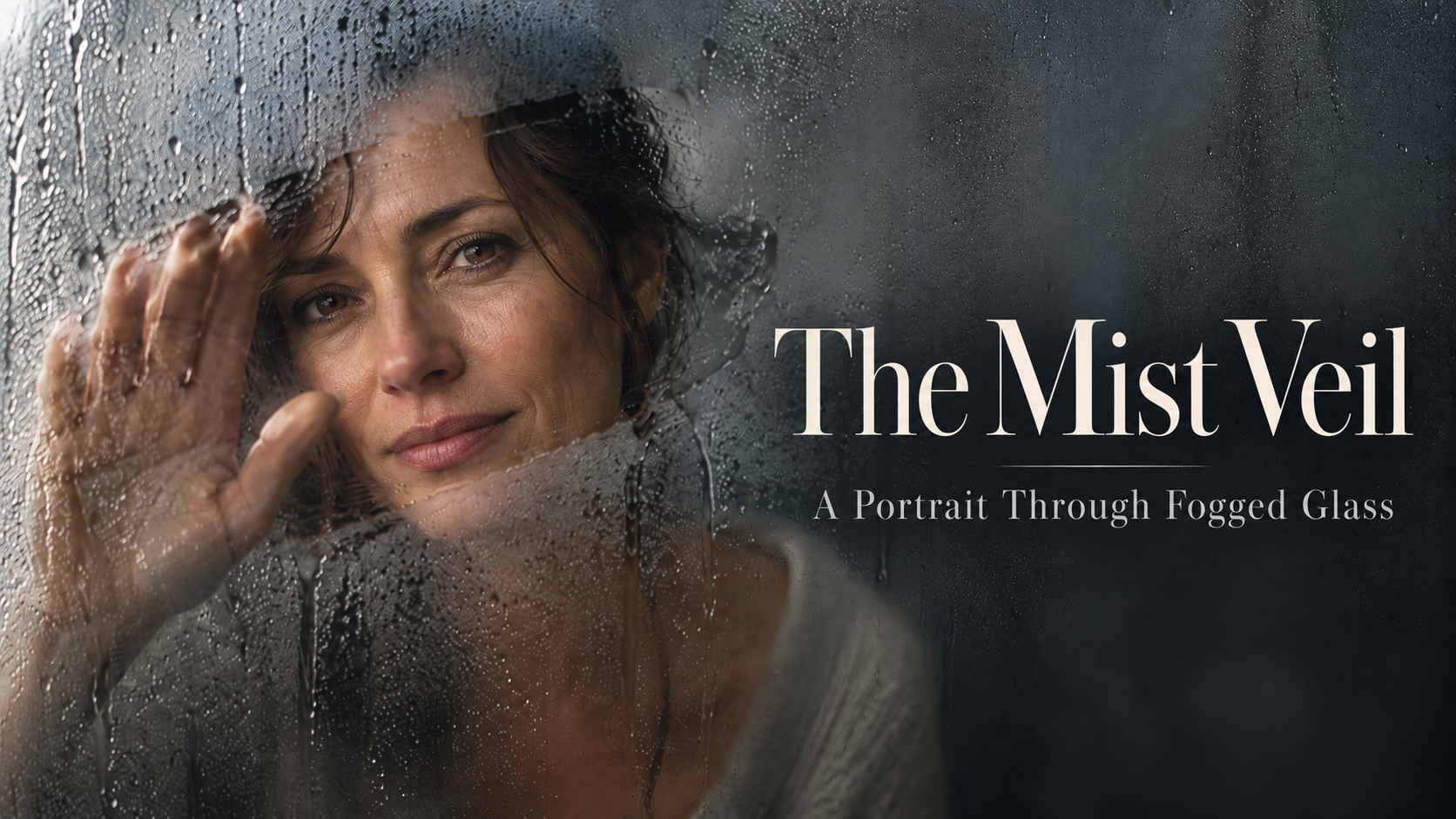
Great photography prompts start with a camera decision, not a pile of visual adjectives. The Mist Veil: A Portrait Through Fogged Glass uses a single memorable photographic effect to turn a familiar portrait into a striking editorial image.
The secret is to describe what light, atmosphere and lens behavior would actually do. With the right constraints, AI can create a photograph that feels carefully shot instead of digitally assembled.
What This Prompt Creates
A high-resolution portrait with subtle condensation droplets, one clean hand-wiped window through the haze, soft directional side lighting, and a warm charcoal studio backdrop. The result prioritizes recognizable anatomy, natural skin, authentic depth and a strong editorial focal point. It works for photography inspiration, creative portfolios and social content.
How to Use It
1. Copy the full prompt below into your preferred AI image generator.
2. Replace the subject description with your model, wardrobe, location and desired mood.
3. Upload a reference photo if you need consistent identity.
4. Generate a vertical 4:5 master image, inspect anatomy and lighting, then refine only one or two variables at a time.
5. Create the blog hero as a separate 1672×941 composition; add carousel text in your design editor, not in the image generator.
Make It Your Own
1. Amber window light: keep the main photographic technique but adjust palette, setting and lighting to match this direction.
2. Cool blue dawn: keep the main photographic technique but adjust palette, setting and lighting to match this direction.
3. Monochrome editorial: keep the main photographic technique but adjust palette, setting and lighting to match this direction.
4. Backlit silhouette: keep the main photographic technique but adjust palette, setting and lighting to match this direction.
Tips for Better Results
– Describe the source and direction of light rather than asking for “cinematic” alone.
– Keep one visual effect dominant; too many competing effects reduce realism.
– Specify focal length, depth of field and where focus should land.
– Check hands, eye reflections, fabric edges and environmental geometry at full resolution.
– Render clean photography first; add readable headlines and CTAs during layout production.